
Sun Life MPF Mobile App
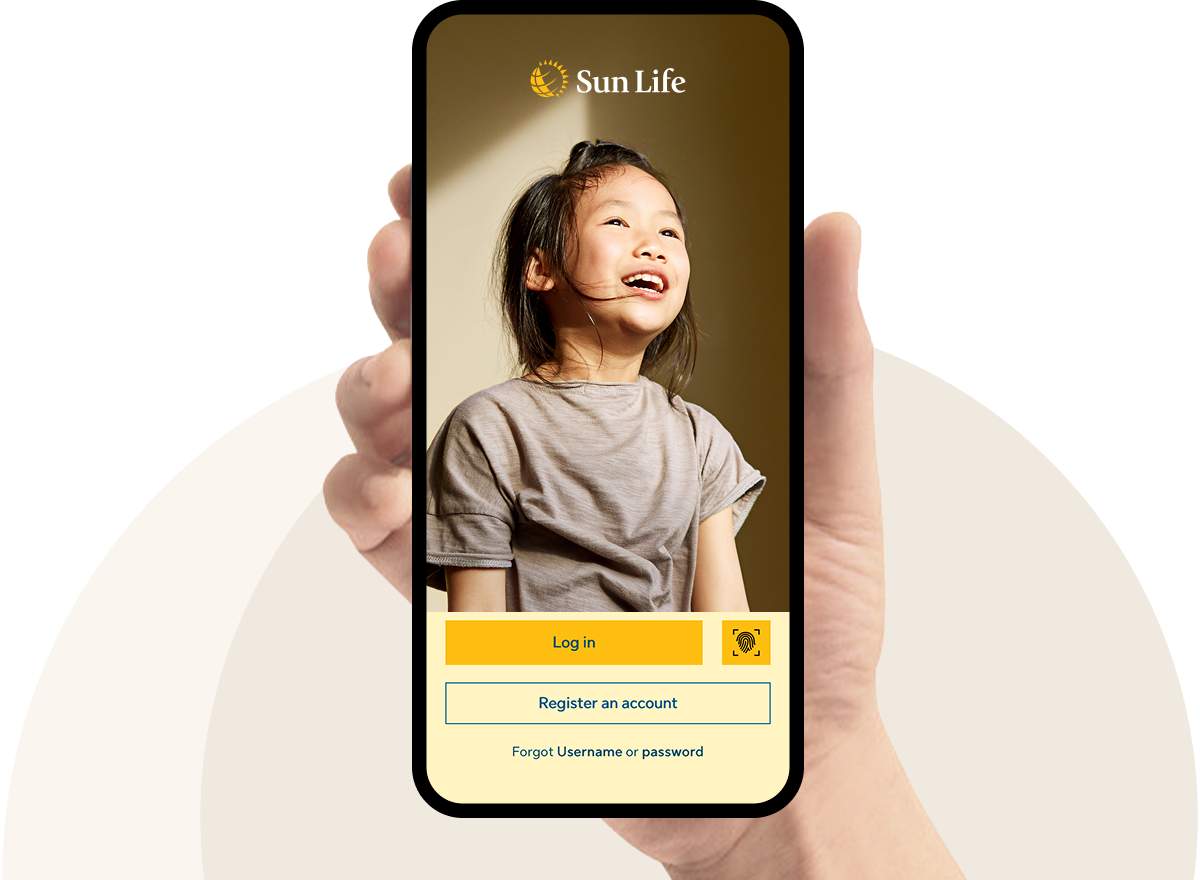
Sun Life MPF Mobile App is a comprehensive MPF management tool specialised for Sun Life MPF members that helps you manage your MPF account more effectively and efficiently. For details, please click here for the guide of Sun Life MPF Mobile App.
Download Sun Life MPF Mobile App* now!
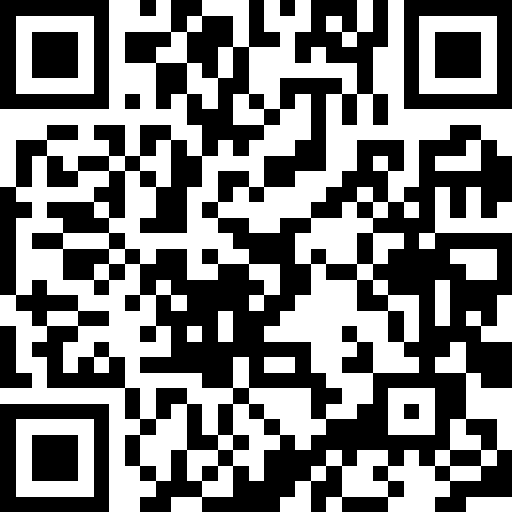
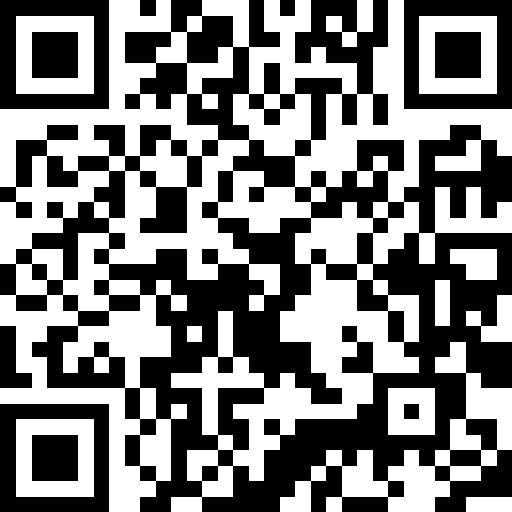


* If you are in Canada, United States, or European Union countries and unable to download the mobile app, you can still view the details via Online Pension Services Centre.
* If you are in Canada, United States, or European Union countries and unable to download the mobile app, you can still view the details via Online Pension Services Centre.
Steps for Mobile App Account Registration:
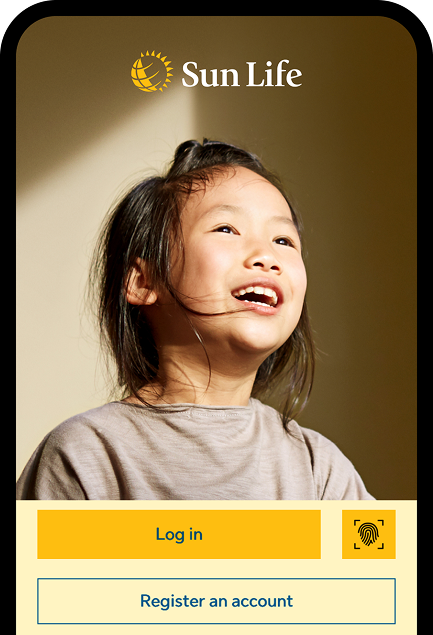
Download and open the Sun Life MPF Mobile App, then tap "Register an account".
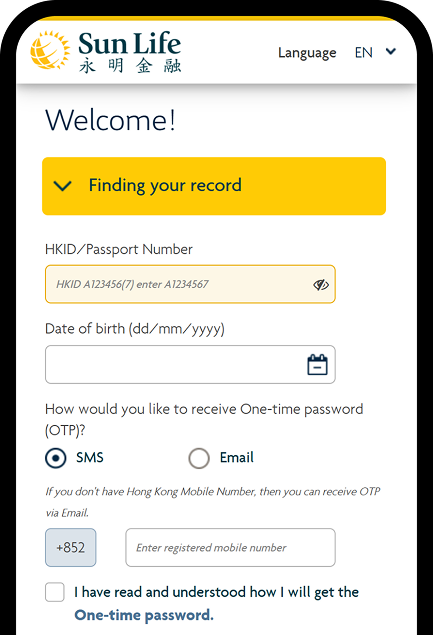
Enter your HKID / passport number and date of birth, then choose to receive One-time Password (OTP) via your registered mobile number or email address.
Tip: Please ensure the HKID number includes the English letter and the digit in brackets (no need to enter the brackets), for example: A1234567
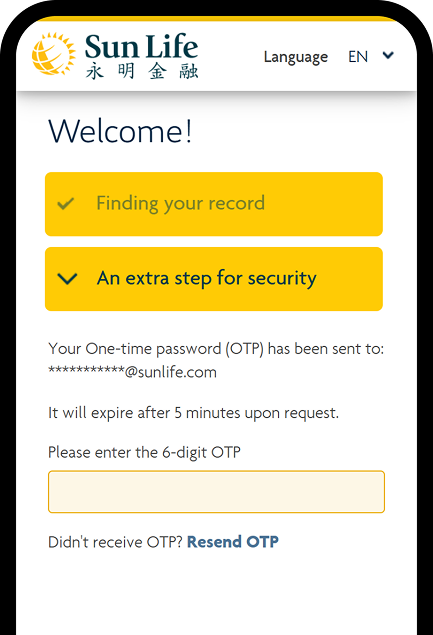
You will receive a 6-digit verification code via SMS or email – please enter it.
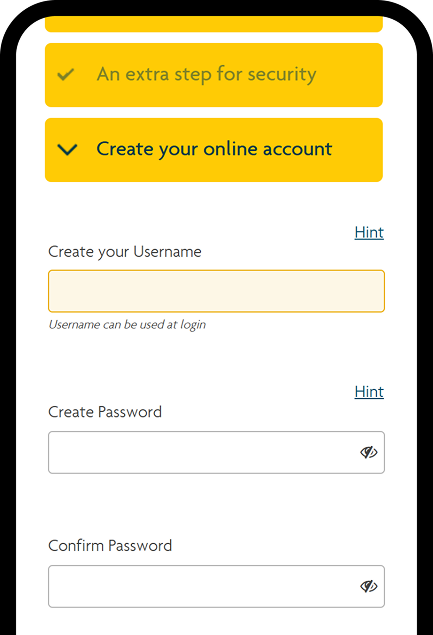
Set your username and password. If you cannot tap "Submit", check "Hint" and make sure your username and password meet the requirements before trying again.
Reminder: After the system update, you must log in using your username.
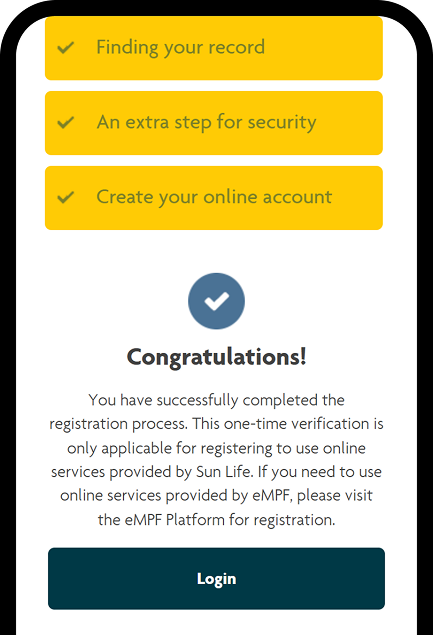
Congratulations! Seeing the confirmation message means registration is successful. You can now log in with your new username and password and enjoy all the features of the app!
If you experience difficulties with account registration or login, you can refer to the Frequently Asked Questions.
For more information about MPF Reward, please feel free to contact us.
Sun Life Trustee MPF Client Service



© 2026 Sun Life Hong Kong Limited (Incorporated in Bermuda with limited liability). All rights reserved.
